Self Hosting: Freedom or Folly?

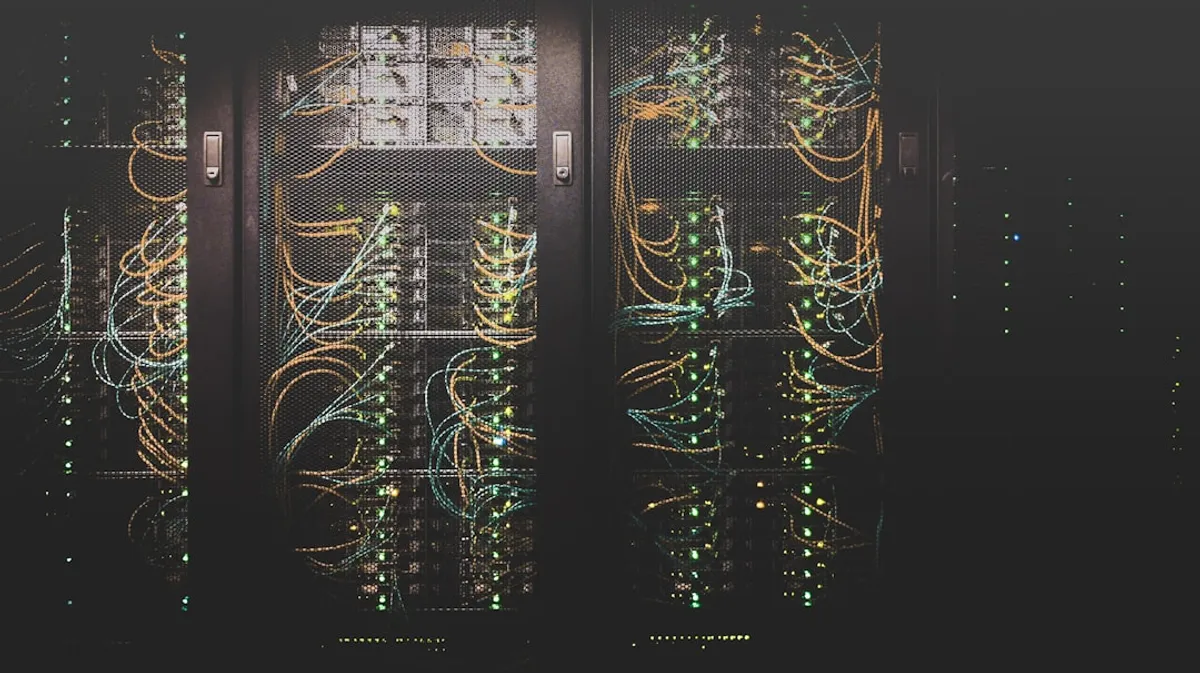
Self-hosting. It’s a word that conjures up images of server racks humming in a cool basement, or maybe just a spare Raspberry Pi chugging away in a corner. It means taking control. It means running your own services, your own data, on your own hardware. It’s appealing, right? But like most things in tech, it’s not all sunshine and rainbows. Let’s break down the benefits and the drawbacks.
The Allure of Control
The biggest draw, for me and many others, is control. When you self-host, you’re not beholden to a third-party provider’s terms of service, their pricing hikes, or their unexpected service outages. Your data lives where you put it. You decide who gets access. You can configure it exactly how you want.
Think about data privacy. If you’re running a personal cloud service like Nextcloud, or even just a small Git server for private projects, you know exactly where your files are and who can see them. No third-party analyzing your photos or scanning your code. That’s a huge win for privacy advocates and anyone who’s had a bad experience with a cloud provider’s policy changes.
Cost can also be a factor. While the initial investment in hardware might be there, over the long term, especially for services with consistent usage, self-hosting can be cheaper than paying monthly fees for cloud-based alternatives. Imagine running your own media server or a VPN. Once the hardware is bought and set up, the operational cost is minimal.
The Not-So-Sunny Side
Now, let’s talk about the flip side. Self-hosting is work. It requires time, knowledge, and a willingness to troubleshoot when things inevitably break. This isn’t a ‘set it and forget it’ solution, especially if you want it to be reliable.
Maintenance: You are the system administrator. This means applying security patches, updating software, monitoring resource usage, and performing backups. All of those things that cloud providers handle for you, you have to do yourself. A missed security update can leave your services vulnerable. A failed hard drive can mean data loss if you haven’t set up proper backups.
Uptime and Reliability: Achieving the kind of uptime that services like AWS or Google Cloud offer is incredibly difficult and expensive for an individual or small team. You need redundant power, reliable internet connections with good bandwidth, and often, multiple servers for failover. If your home internet goes down, so does your service. If the power grid fails, ditto.
Security: This is a big one. Exposing services to the internet, even with a firewall, opens you up to attacks. You need to understand network security, how to configure firewalls (like ufw or iptables), set up SSL certificates, and be vigilant about intrusion detection. A misconfigured service can become a gateway for attackers into your home network.
Complexity: Setting up and maintaining services can be complex. You might need to learn about Docker, Kubernetes, networking protocols, and different operating systems. While there are tools that simplify things, like Docker Compose, there’s still a learning curve.
Here’s a simplified example of setting up a basic web server using Docker Compose. This assumes you have Docker installed.
version: '3.8'services: web: image: nginx:latest ports: - "8080:80" volumes: - ./html:/usr/share/nginx/html
app: build: . ports: - "3000:3000"And a simple index.html file for the html directory:
<!DOCTYPE html><html><head> <title>My Self-Hosted Page</title></head><body> <h1>Hello from my server!</h1> <p>This is running on Nginx via Docker Compose.</p></body></html>To run this, you’d save the docker-compose.yml file and the index.html file in the same directory, create an html subdirectory, put index.html inside it, and then run docker-compose up -d in your terminal. You could then access it at http://localhost:8080.
Is It Worth It?
For hobbyists, tinkerers, and those with strong privacy concerns or specific needs not met by commercial offerings, self-hosting can be incredibly rewarding. It’s a fantastic way to learn about systems administration, networking, and security.
However, if your primary goal is reliability and minimal fuss for critical services, the complexity and ongoing effort of self-hosting might not be worth the trade-off compared to a managed cloud solution. It’s a decision that depends heavily on your priorities, your technical skills, and how much time you’re willing to invest.
Think hard about what you’re trying to achieve before you buy that extra server. Sometimes, the cloud is just easier.