React Native vs Flutter: Which is Better?

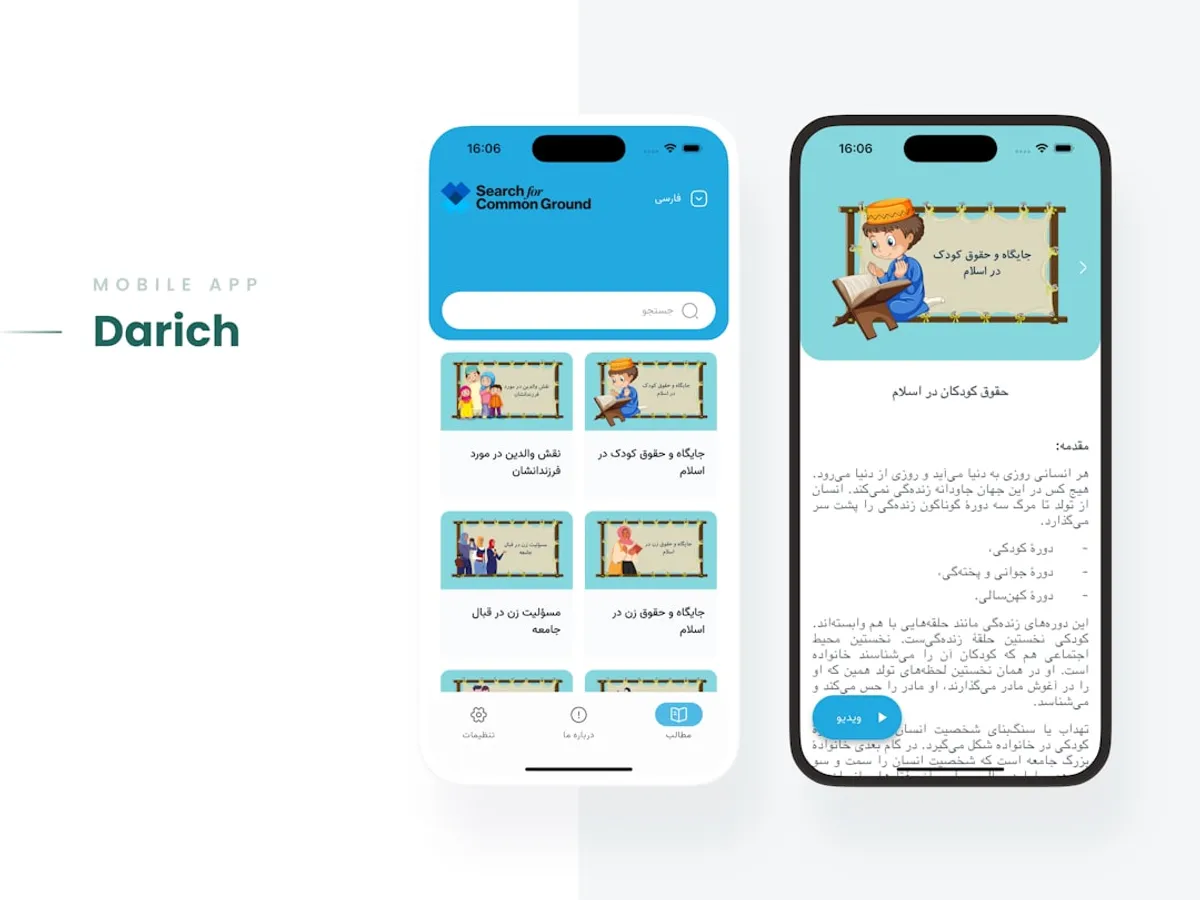
Choosing the right cross-platform framework for mobile development can feel like a big decision. You want something that lets you build for both iOS and Android without writing twice the code. Two big players dominate this space: React Native and Flutter. Let’s break them down.
React Native: The JavaScript Challenger
If you’ve spent any time in web development, especially with React, React Native will feel familiar. It uses JavaScript (or TypeScript) and a component-based architecture that mirrors its web sibling.
How it works: React Native doesn’t just render to the DOM. It uses a “bridge” to communicate with native UI components. This means your app genuinely uses the platform’s native buttons, text inputs, and navigations. This can lead to a very native look and feel.
Pros:
- Large Community & Ecosystem: Because it’s built on JavaScript and React, you’ve got a massive pool of developers and libraries at your fingertips. Finding help or pre-built solutions is usually straightforward.
- Familiarity for Web Developers: If your team already knows React, the learning curve for React Native is significantly lower. You can leverage existing skills.
- Hot Reloading: Similar to web development, you can see your code changes almost instantly without a full app rebuild. This speeds up development cycles.
Cons:
- The Bridge Overhead: The communication between JavaScript and native code can sometimes be a performance bottleneck, especially for complex animations or heavy computations.
- Native Module Dependencies: Sometimes, you’ll need to drop down to native code (Java/Kotlin for Android, Objective-C/Swift for iOS) to access specific platform features or optimize performance. This can add complexity.
- UI Consistency: While it uses native components, achieving perfect pixel-by-pixel consistency across both platforms can still require effort.
Code Example (Basic Button):
import React from 'react';import { View, Button, Alert } from 'react-native';
const App = () => ( <View style={{ flex: 1, justifyContent: 'center', alignItems: 'center' }}> <Button title="Press Me" onPress={() => Alert.alert('Button pressed!')} /> </View>);
export default App;Flutter: Google’s UI Toolkit
Flutter is Google’s answer to cross-platform UI development. It uses the Dart programming language and takes a fundamentally different approach to rendering.
How it works: Instead of relying on native UI components, Flutter draws its own widgets directly onto a canvas. It ships with its own high-performance rendering engine (Skia). This gives it incredible control over every pixel on the screen.
Pros:
- Expressive and Beautiful UIs: Because Flutter controls the rendering, you can achieve highly customized and visually stunning UIs that look identical on both platforms. Widgets are designed to be beautiful out of the box.
- Excellent Performance: Flutter’s direct rendering and Ahead-Of-Time (AOT) compilation to native code generally result in very smooth performance, often rivaling native apps.
- Fast Development with Hot Reload: Like React Native, Flutter offers hot reload, which significantly speeds up the iteration process.
- Single Codebase for UI: You write UI code once, and it renders the same everywhere. This is a huge win for consistency.
Cons:
- Dart Language: While Dart is a capable language, it’s not as widely adopted as JavaScript. Your team might need to learn it.
- Smaller Ecosystem (Historically): While growing rapidly, Flutter’s package ecosystem is still catching up to JavaScript’s sheer volume. You might find fewer off-the-shelf solutions for very niche problems.
- App Size: Flutter apps can sometimes be larger than their native or React Native counterparts due to the inclusion of the rendering engine.
Code Example (Basic Button - Material Design):
import 'package:flutter/material.dart';
void main() => runApp(MyApp());
class MyApp extends StatelessWidget { @override Widget build(BuildContext context) { return MaterialApp( home: Scaffold( appBar: AppBar(title: Text('Flutter Demo')), body: Center( child: ElevatedButton( child: Text('Press Me'), onPressed: () => print('Button pressed!'), ), ), ), ); }}So, Which One? My Two Cents.
There’s no single “winner.” It really depends on your project and your team.
- Choose React Native if: Your team is already strong in JavaScript/React, you need to integrate with existing native codebases, or you prioritize leveraging the massive JavaScript ecosystem.
- Choose Flutter if: You’re aiming for highly custom, beautiful UIs that need to be pixel-perfect across platforms, performance is a top priority, and you’re open to learning Dart. It’s also a great choice for new projects where you can start fresh.
Both are powerful tools capable of building fantastic mobile applications. Think about your team’s strengths, your project’s specific needs, and give them a spin. You might be surprised how quickly you can become productive with either.