CPU Cache Hierarchies: A Developer's Guide

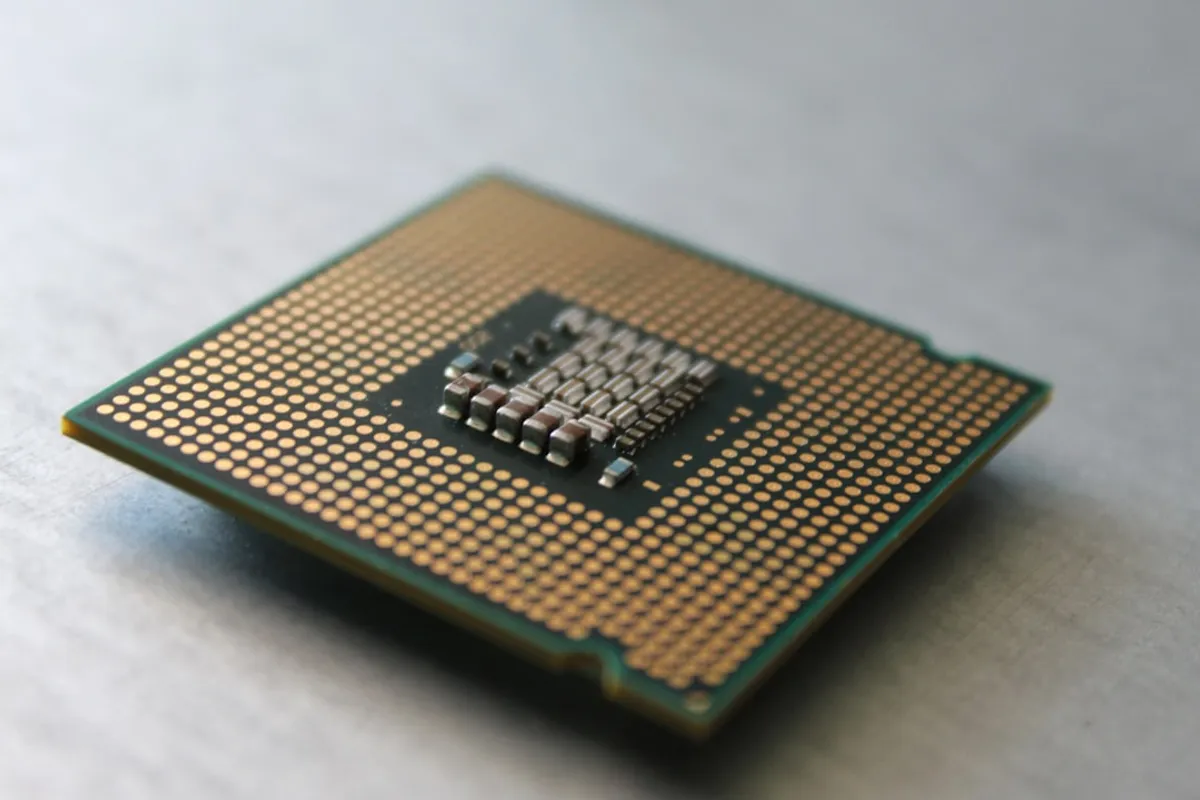
Let’s talk about CPU caches. As developers, we often focus on code logic and algorithms, but the hardware underneath plays a huge role in how fast our applications run. One of the most impactful, yet often overlooked, pieces of this puzzle is the CPU cache hierarchy.
Why Caches Exist
CPUs are incredibly fast. They can execute billions of instructions per second. However, main memory (RAM) is much slower. If the CPU had to fetch every single instruction and piece of data directly from RAM, it would spend most of its time waiting. Caches are small, extremely fast memory units located on or very near the CPU core itself. They store frequently used data and instructions, allowing the CPU to access them much faster than going to RAM.
The Hierarchy: Levels of Cache
Modern CPUs don’t just have one cache; they have a hierarchy, typically organized into L1, L2, and L3 caches. Think of it like a set of increasingly larger, but slower, storage areas.
- L1 Cache: This is the smallest and fastest cache. It’s usually split into two parts: L1d for data and L1i for instructions. Each CPU core typically has its own private L1 cache. Access times here are measured in just a few CPU cycles.
- L2 Cache: This cache is larger than L1 but slower. It might also be private to each core, or shared between a small group of cores. If the CPU can’t find what it needs in L1, it checks L2. Access times are a bit longer than L1, maybe tens of CPU cycles.
- L3 Cache: This is the largest and slowest cache in the hierarchy, but still significantly faster than RAM. L3 is almost always shared among all cores on the CPU chip. If data isn’t found in L1 or L2, the CPU looks in L3. Access times might be around fifty to a hundred CPU cycles.
If the data isn’t found in any of the cache levels (this is called a “cache miss”), the CPU has to fetch it from main memory, which can take hundreds of CPU cycles. That’s a massive performance penalty.
How Cache Works: Locality
Caches are effective because of a principle called “locality of reference.” There are two main types:
- Temporal Locality: If a piece of data or an instruction is accessed, it’s likely to be accessed again soon.
- Spatial Locality: If a particular memory location is accessed, it’s likely that nearby memory locations will be accessed soon.
When the CPU fetches data from RAM, it doesn’t just fetch a single byte or word. It fetches a whole block of data (called a “cache line”), typically 64 or 128 bytes. This exploits spatial locality. By bringing in nearby data, the hope is that the CPU will need it later, leveraging temporal locality.
What This Means for Developers
Understanding this hierarchy helps us write more performant code. Here’s how:
- Data Access Patterns: Accessing data sequentially is generally faster than jumping around randomly in memory. This is why array iteration is often efficient. Consider how your data structures are laid out in memory.
- Object Layout: In languages like C++ or Rust, the order of fields in a struct or class can matter. Grouping frequently used data together can improve cache utilization. Even in garbage-collected languages, while you have less direct control, understanding that objects tend to be allocated contiguously can help predict performance.
- Algorithm Choice: Algorithms that require random access to large datasets will perform worse than those that access data sequentially or exhibit good locality. Think about algorithms that involve traversing linked lists versus arrays, or algorithms that use large, sparse matrices versus dense ones.
- Loop Optimization: Compilers do a lot of work to optimize loops for cache performance, but understanding the basics helps. Keeping the working set (the data actively used by a loop) small can prevent cache evictions.
A Simple Example (Conceptual)
Imagine you have two arrays, A and B, and you want to compute C[i] = A[i] + B[i] for a large i.
// Assume A, B, and C are very large arraysfor (int i = 0; i < N; ++i) { C[i] = A[i] + B[i];}In this loop, for each i, we access A[i], B[i], and C[i]. If these arrays are large enough that they don’t fit entirely in cache, the CPU will constantly be fetching blocks of data from RAM. The performance here is heavily influenced by how efficiently the CPU can keep the relevant cache lines for A, B, and C near the core.
Now consider this:
// Hypothetical alternative, NOT always better due to other factorsstruct Data { int a_val; int b_val; int c_val;};
// Assume data is an array of structsfor (int i = 0; i < N; ++i) { data[i].c_val = data[i].a_val + data[i].b_val;}If a_val, b_val, and c_val are accessed together, storing them in a struct might allow the compiler and CPU to load them into cache more efficiently as a single unit, potentially leading to fewer cache misses compared to accessing separate arrays, especially if the arrays are scattered in memory.
Conclusion
CPU cache hierarchies are a fundamental part of modern computer performance. While we can’t always directly manage cache lines, understanding how they work—particularly the concepts of locality and the L1, L2, L3 levels—gives us valuable insights into why certain code patterns perform better than others. It encourages us to think about memory access patterns and data layout when designing and optimizing our software. Happy coding!